Android beta
Join the Winter6 beta
Winter6 is getting ready for Google Play. Before it opens to everyone, a small group of Android users is living with it for two weeks and telling us what they find.
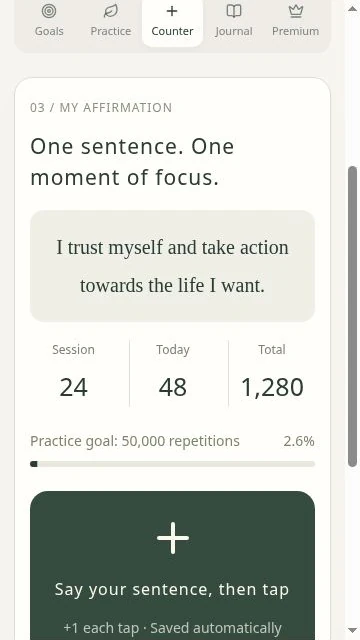
You'll need
- An Android phone
- The Gmail address you use on the Google Play Store
- To keep Winter6 installed for 14 days in a row. Google Play asks new apps to finish a 14-day closed test before release.
What you receive
- One month of Premium after launch
- 7 days of full Premium when you first sign in, like every new account
- A direct say in what changes before release
How joining works
- 1
Sign up
Fill in the short form: your name and the Gmail on your Play Store. A WhatsApp number and your phone model are optional.
- 2
Watch for your invitation
Within 1–2 days we add your Gmail to the test and send you the test link.
- 3
Become a tester
Open the link, tap “Become a tester”, then install Winter6 from Google Play with the same Gmail.
- 4
Use it, then tell us
Practice the way you normally would. On day 14 there is a short feedback form.
Your sign-up details are used only to run the test and contact you about it.
On iPhone?
The Google Play beta is Android only, but Winter6 runs in Safari with the same account and records.
- Open app.winter6.com in Safari
- Sign in with your Google account
- Tap Share → Add to Home Screen